06. Multi-channel publishing
What plays on LinkedIn doesn't fly on X. Squawk knows.
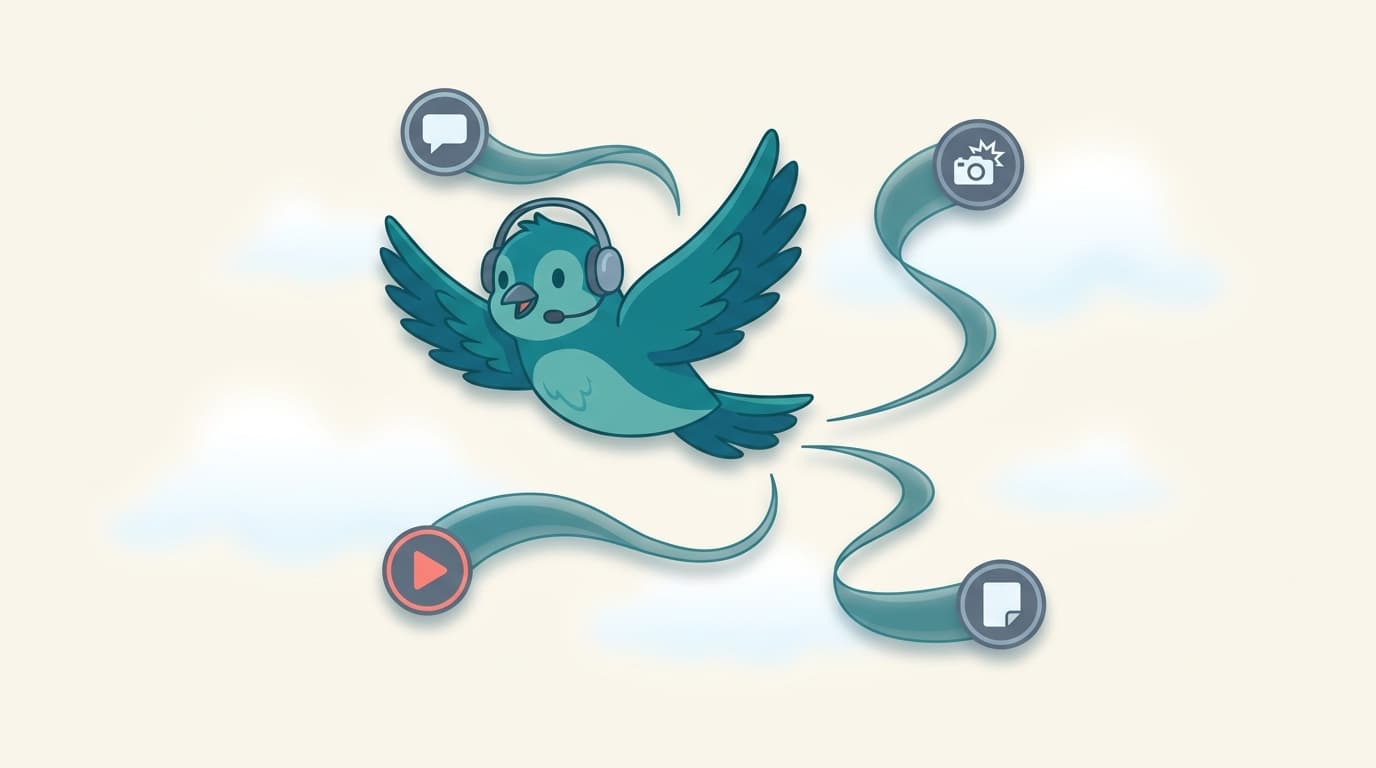
The fastest way to make a brand look generic is to paste the same text into LinkedIn and X with no changes. Squawk drafts and publishes with the channel in mind: carousels and long posts for LinkedIn, threads and image posts for X, native video on both, formatted for each.
What it does
The capabilities, one at a time.
Native carousels (LinkedIn document posts)
Build LinkedIn carousels from a blog post, deck, or library item. Squawk handles the slide-by-slide framing.
Native threads (X)
Threads are written and published natively, with the cadence and length that actually performs on X.
Native video on both channels
Upload or generate video. Squawk publishes it natively to each channel with channel-aware captions.
Channel-aware previews
See exactly how the post will look on each channel before you approve. No more 'wait, that's not how the carousel renders.'
Why it matters
The reason this exists.
Each channel is a different surface with different rules. Treating them the same is why most B2B social presences feel flat. Squawk's per-channel formatting is the difference between 'we cross-posted' and 'we posted on LinkedIn and X.'
Related features
Pairs well with.
05. Calendar & scheduling
A calendar shaped around campaigns and voices
See the next four weeks at a glance. Drag posts across days, channels, and voices. Mix carousels, video, and thought leadership.
Read more08. AI drafting engine
Drafts that read like the person, not the model
The drafting engine pulls voice profile, library items, channel format, and campaign context together. Drafts read like a real person, not generic AI.
Read more07. Engagement analytics
What landed, what didn't, and what to make more of
Track engagement per post, per voice, per channel, and per campaign. Feed signals back into the next round of drafts so the system learns.
Read more